The Privacy Settings Worth Changing on Every Device You Own
Mark Wood
April 28, 2026
Review Which Apps Can Access Your Location
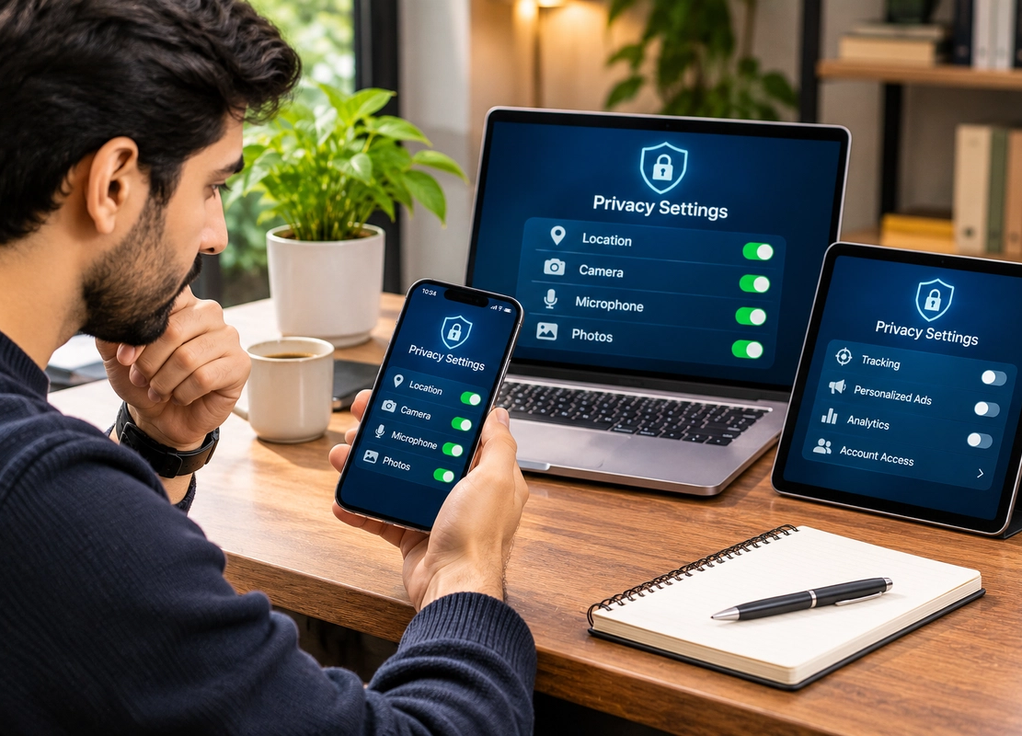
Many apps request location access even when location isn’t central to what they do. Open your phone’s privacy settings and review which apps can see where you are. Navigation, transportation, weather, and delivery apps may genuinely need location information, but plenty of others probably don’t need continuous access. Where your device allows it, choose options such as “While Using the App” instead of permanent background access and disable precise location for apps that only need a general area. It’s worth reviewing these permissions periodically because it’s surprisingly easy to approve something during setup and forget about it for years.
Check Your Camera, Microphone, and Photo Permissions
Location isn’t the only sensitive permission worth reviewing. Look at which apps can access your microphone, camera, contacts, photos, Bluetooth, and local network. A video-calling app obviously needs a camera and microphone, but a simple game may not. Modern phones also often let you give an app access to selected photos instead of your entire photo library. The same principle applies to computers: check which programs have permission to record your screen, use your microphone, or access particular folders. Don’t automatically disable everything; simply ask whether each permission makes sense for what the app actually does.
Reduce Tracking and Personalized Advertising
Phones, browsers, smart TVs, and online accounts often include settings related to advertising, personalization, analytics, and activity tracking. Turning off personalized ads doesn’t necessarily mean you’ll see fewer advertisements, but it can reduce how much your activity is used to tailor them. Browser settings can also limit third-party tracking, and many services allow you to review or delete stored activity. While you’re there, consider disabling optional diagnostic or usage-data sharing that you don’t want. Privacy settings vary considerably between platforms and change over time, so it’s worth revisiting them after major software updates rather than assuming the choices you made three years ago still apply.
Lock Down Your Accounts Too
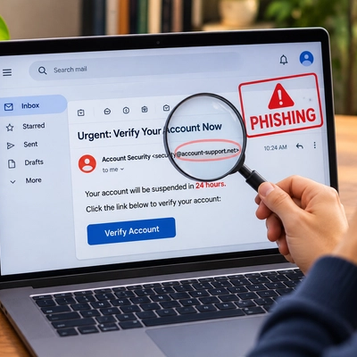
Device privacy isn’t much help if someone can easily get into your accounts. Use a strong, unique password for important accounts and store passwords in a reputable password manager rather than reusing the same one everywhere. Enable two-factor authentication where available, preferably using stronger methods such as an authenticator app, passkey, or security key when supported. Review which devices are currently signed into major accounts and remove ones you no longer recognize or use. Finally, keep your phone, computer, browser, and apps updated. Privacy isn’t one setting you switch on forever; it’s a collection of small choices that reduce unnecessary access to your information—and a quick review every few months can make a meaningful difference.